

Skip to content
ArtCultureArtCultureArtCulture
    • Home
    • Arts
      • Photoshop
      • Online Art Gallery
    • Culture
      • Destinations
      • Costumes
      • Food
      • Travel
    • Exhibitions
    • Fashion
    • Humor & Cartoons
    • News
    • Technology
      • Adobe
      • Internet tips
      • Mac OS
      • Microsoft Office
      • Mobile
      • Windows
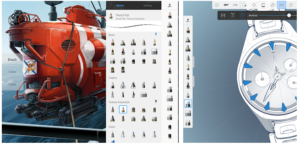
      Best Drawing and Painting App for Android
      Best Drawing and Painting App for Android

      The Best Drawing and Painting App for Android that I would recommend you is: Autodesk SketchBook  Look at this introduction from its developers: “At Autodesk,...

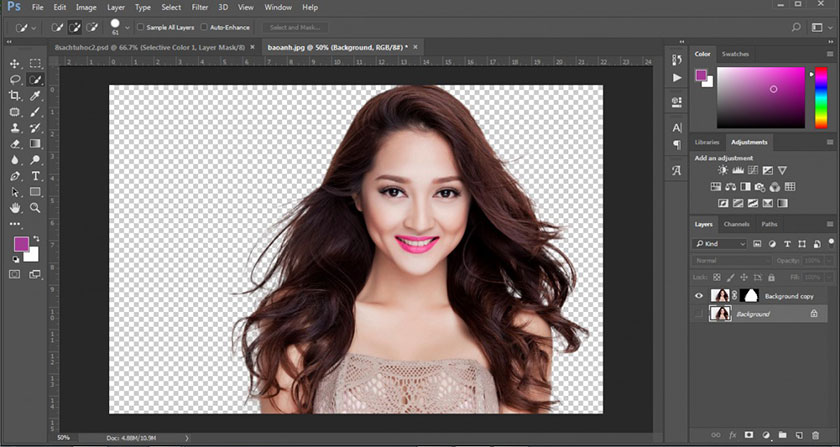
      Layer mask not working Photoshop 2021
      Layer mask not working Photoshop 2021

      Layer mask not working Photoshop 2021. Sometimes, you might encounter problems with layer masks. If you happen to run into any problems, then check out...

      How to fix Photoshop crop tool missing
      How to fix Photoshop crop tool missing

      How to fix Photoshop crop tool missing. Question: “The crop tool is missing. It is not listed along with all the other tools.  I can...

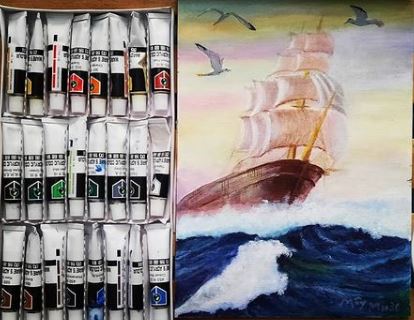
      Easy Acrylic Seascape Painting for Beginners Step by Step

      seascape painting for beginners : Easy Acrylic Seascape Painting for Beginners Step by Step. Painting on canvas can be so much fun that stimulates the...

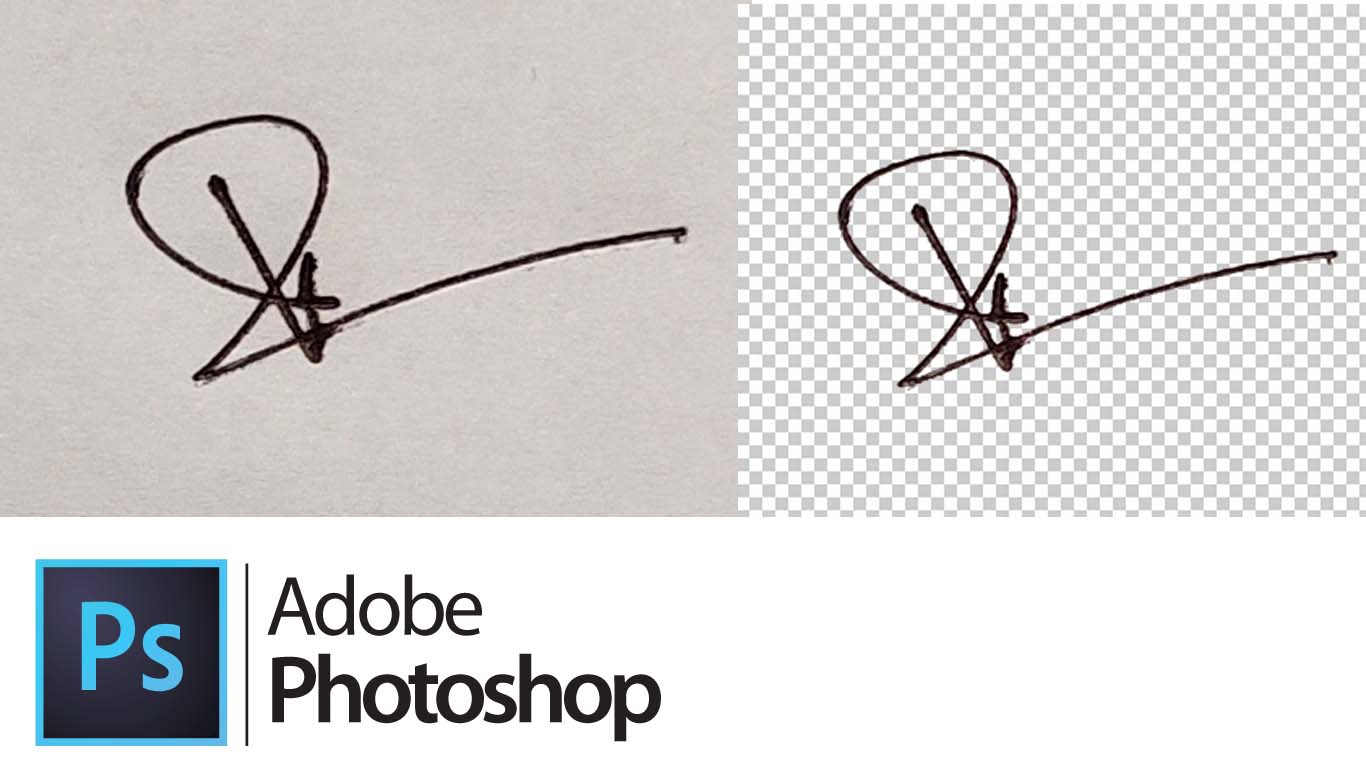
      How to Create a Digital Signature Photoshop
      How to Create a Digital Signature Photoshop

      How to Create a Digital Signature Photoshop. In this post, Theartcult is going to be showing you how to create a digital signature in Photoshop....

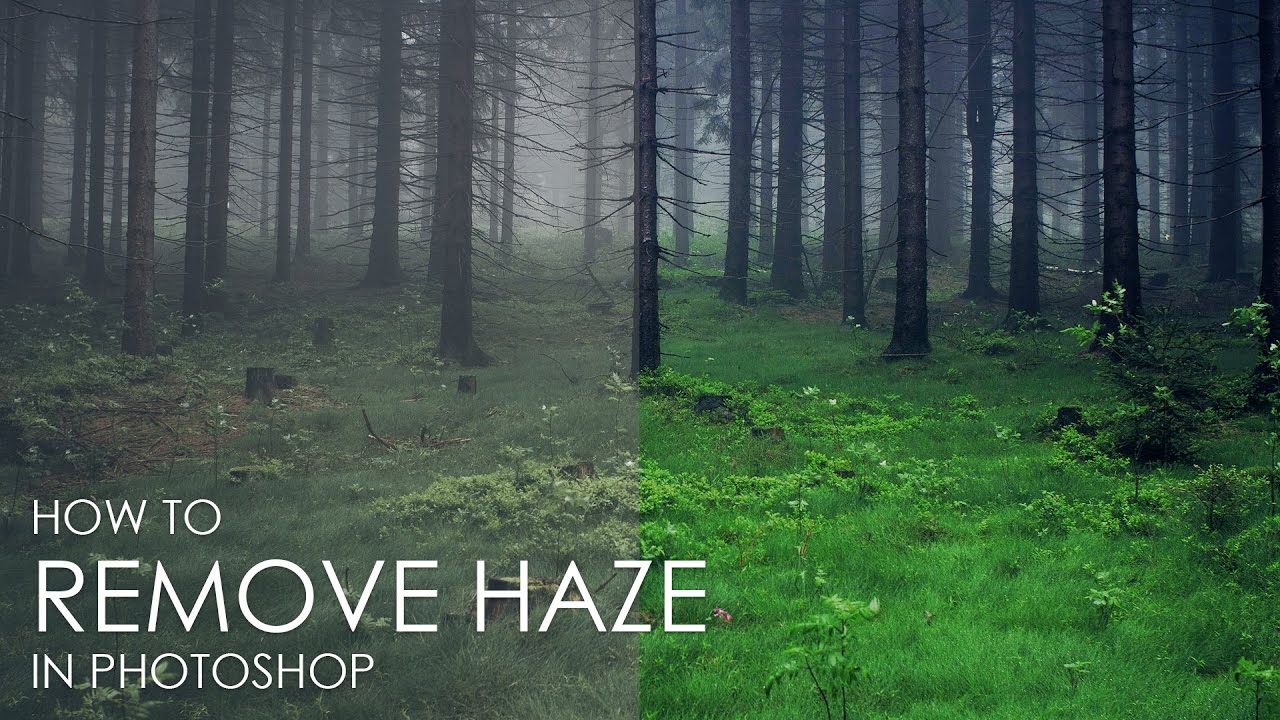
      How to remove haze in Photoshop CS6
      How to remove haze in Photoshop CS6

      How to remove haze in Photoshop CS6. For all travel enthusiasts, one of the most frustrating things can be when you visit an enchanting hill, but...

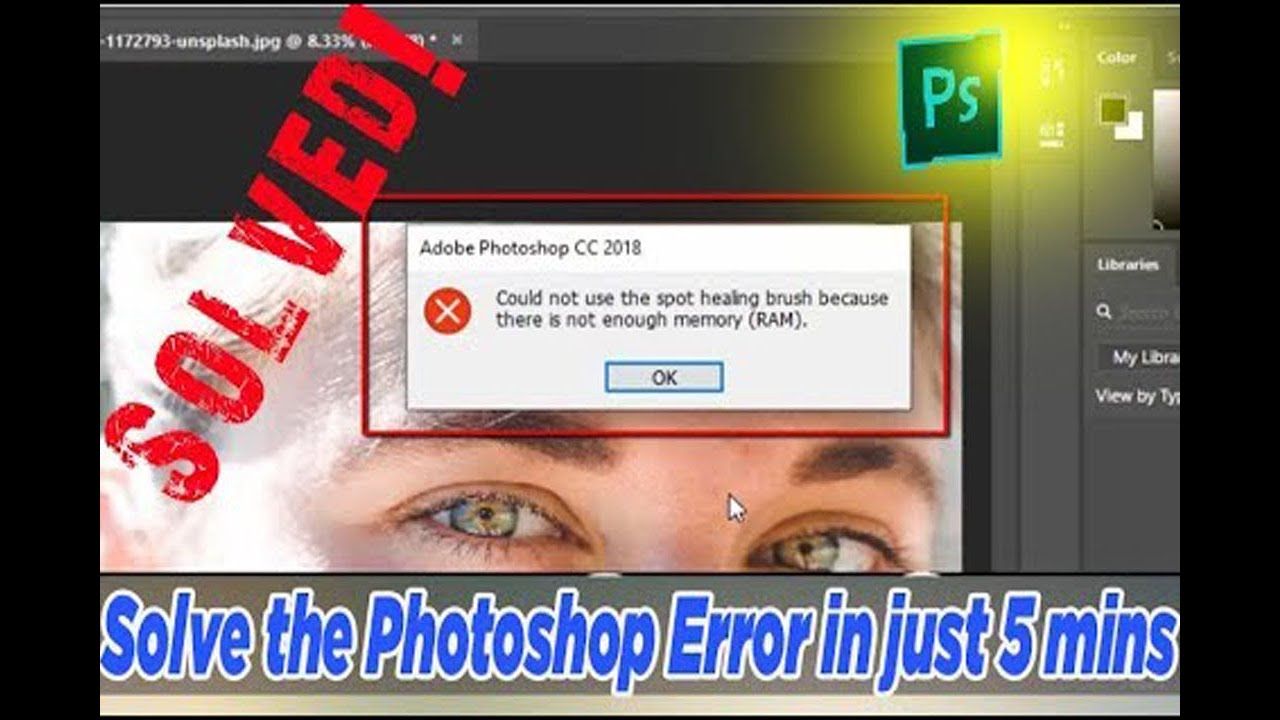
      How to fix Not enough RAM Photoshop error 2
      How to fix Not enough RAM Photoshop error

      fix Not enough RAM Photoshop error. How to fix Not enough RAM Photoshop error. After updating Windows 10 April 2018 Update version 1803 – generally this new version...

      How to select a layer in Photoshop
      How to select a layer in Photoshop

      How to select a layer in Photoshop. When you want to select an object in Illustrator to design vector drawings, you just need to click...

      How to solve error 0x80070490

      Posted on September 24, 2022September 24, 2022 by SouthSide
      How to solve error 0x80070490
      24
      Sep

      How to solve error 0x80070490. Are you getting error 0x80070490 when opening Mail and Calendar apps in Windows 11/10? If so, follow along and apply our five fixes to fix this error code. As the name implies, this error mainly occurs when you try to add a new Gmail account or any other email service account to your…

      Posted in Windows  |  Tagged error code 0x80070490 windows 10, error code 0x86000c29 windows 11, microsoft account, windows 11 are you trying to add update or remove your email account, windows 11 email setup, windows 11 mail not working, yahoo mail for windows 11
      Recent Posts
      • Professional Printer Toner Refilling, Cartridge Replacement and Repair Services in Hanoi, Phu Tho and Thanh Hoa, Vietnam
      • Shipping Cargo from Hanoi to Saigon by Train: Complete Guide to North-South Rail Freight in Vietnam
      • Shipping a Motorcycle by Train from Hanoi to Saigon: Complete Guide
      • Ceiling Cassette vs. Wall-Mounted Air Conditioner: Which One Should You Choose?
      • Top 10 Best Cafes in Hanoi 2026
      Advertisement
      Cooking Guide
      • How to cook Famous Japanese Katsu Curry
      • How to make Vietnamese Silken Tofu in Ginger Syrup Dessert
      • How to make delicious chicken chow mein like the takeaway
      • How to make easy Chinese Char Siu Pork (Pan-Roasted)
      • How to make Filipino Mango Ice Cream

      Block "footer" not found

      • About me
      • The Best Art Culture Blogs for Digital Painting
      • Home
      • Arts
        • Photoshop
        • Online Art Gallery
      • Culture
        • Destinations
        • Costumes
        • Food
        • Travel
      • Exhibitions
      • Fashion
      • Humor & Cartoons
      • News
      • Technology
        • Adobe
        • Internet tips
        • Mac OS
        • Microsoft Office
        • Mobile
        • Windows