

Skip to content
ArtCultureArtCultureArtCulture
    • Home
    • Arts
      • Photoshop
      • Online Art Gallery
    • Culture
      • Destinations
      • Costumes
      • Food
      • Travel
    • Exhibitions
    • Fashion
    • Humor & Cartoons
    • News
    • Technology
      • Adobe
      • Internet tips
      • Mac OS
      • Microsoft Office
      • Mobile
      • Windows
      How to save a preset in Photoshop Camera Raw
      How to save a preset in Photoshop Camera Raw

      How to save a preset in Photoshop Camera Raw. When using Adobe Photoshop software, using presets in Camera Raw will help you edit photos more...

      How to fix Photoshop cc 2017 has stopped working Problem on Windows 10

      How to fix Photoshop cc 2017 has stopped working Problem on Windows 10. Like all other softwares, one day, our Photoshop goes wrong. When we...

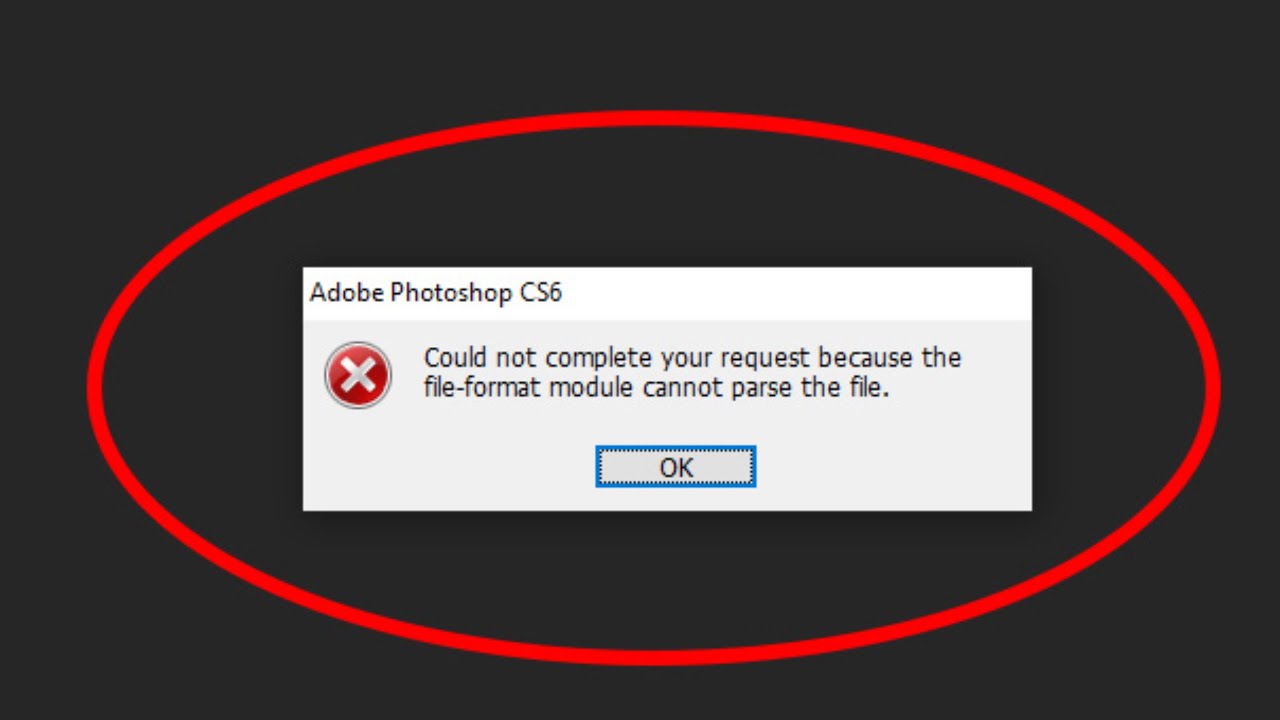
      How to fix Cannot parse the file Photoshop error
      How to fix Cannot parse the file Photoshop error

      How to fix Cannot parse the file Photoshop error. Photoshop could not parse the File is an error message you get when the file extension...

      Fix Photoshop Scratch Disk Is Full errors
      Fix Photoshop Scratch Disk Is Full errors

      Fix Photoshop Scratch Disk Is Full errors. If you have used Adobe Photoshop on a Windows 10 computer, you must have encountered the Scratch disk...

      How to merge two photos in Photoshop CS6
      How to merge two photos in Photoshop CS6

      How to merge two photos in Photoshop CS6 is not as difficult as you think. With just a few simple steps, you have a beautiful...

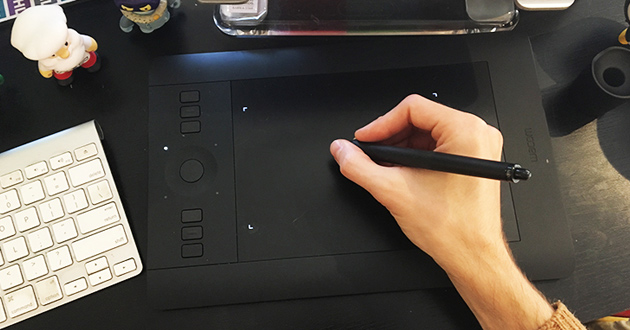
      Fix Wacom pen pressure not working in Adobe Photoshop
      Fix Wacom pen pressure not working in Adobe Photoshop

      Fix Wacom pen pressure not working in Adobe Photoshop. Sometimes users will experience pressure loss in Photoshop or other graphics software. Theartcult would like to...

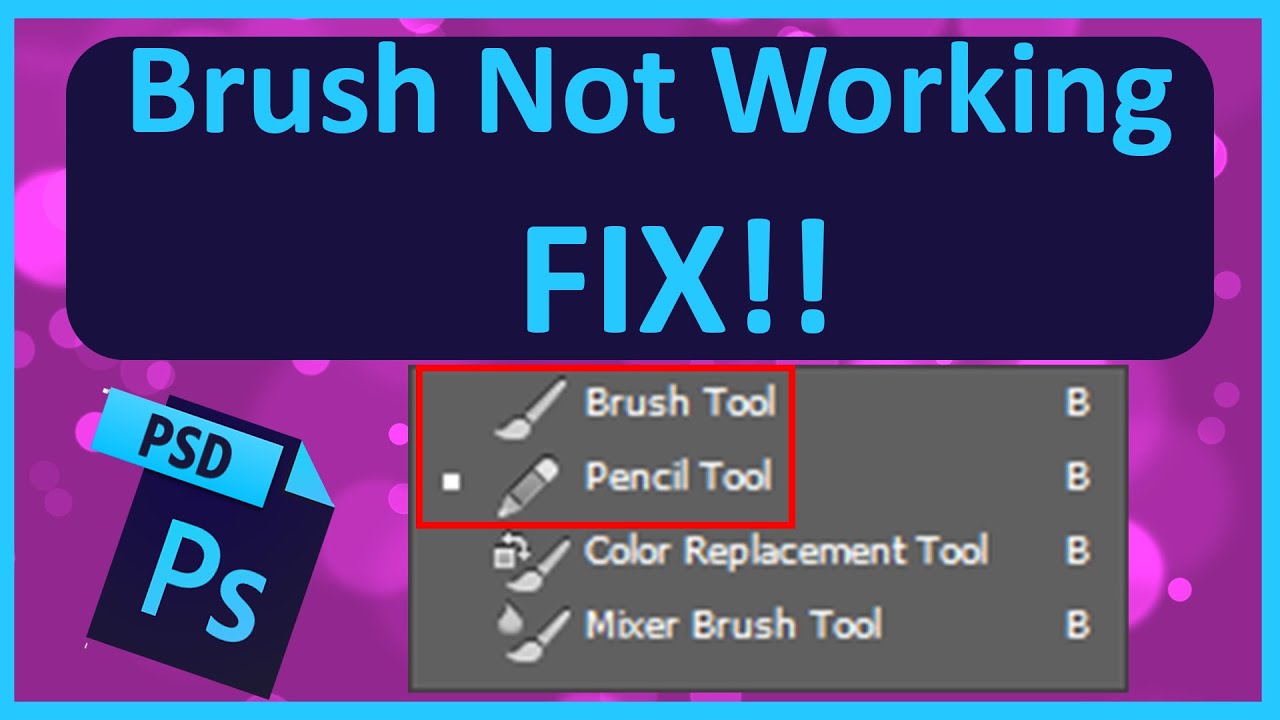
      Fix Photoshop brush not painting color
      Fix Photoshop brush not painting color

      Fix Photoshop brush not painting color. Photoshop Brush errors are often difficult for newbies but will be quickly resolved in the following article! I. WHAT...

      How to make a GIF in Photoshop 2022
      How to make a GIF in Photoshop 2022

      How to make a GIF in Photoshop 2022. To create an animated image (.gif) on Photoshop software is not easy, but it is not difficult....

      How to turn on 3D mode in Photoshop CC (4 simple Ways)

      Posted on March 6, 2023March 6, 2023 by SouthSide
      06
      Mar

      How to turn on 3D mode in Photoshop CC (4 simple Ways). As you all know, with versions of Photoshop CS5, CS6, CC we can all make good use of the 3D feature. Since the release of Photoshop CC, Adobe requires all computers to have a supported graphics card configuration and OpenGL 2.0 library or higher…

      Posted in Photoshop  |  Tagged turn on 3D mode in Photoshop CC
      Recent Posts
      • Professional Printer Toner Refilling, Cartridge Replacement and Repair Services in Hanoi, Phu Tho and Thanh Hoa, Vietnam
      • Shipping Cargo from Hanoi to Saigon by Train: Complete Guide to North-South Rail Freight in Vietnam
      • Shipping a Motorcycle by Train from Hanoi to Saigon: Complete Guide
      • Ceiling Cassette vs. Wall-Mounted Air Conditioner: Which One Should You Choose?
      • Top 10 Best Cafes in Hanoi 2026
      Advertisement
      Cooking Guide
      • How to cook Famous Japanese Katsu Curry
      • How to make Vietnamese Silken Tofu in Ginger Syrup Dessert
      • How to make delicious chicken chow mein like the takeaway
      • How to make easy Chinese Char Siu Pork (Pan-Roasted)
      • How to make Filipino Mango Ice Cream

      Block "footer" not found

      • About me
      • The Best Art Culture Blogs for Digital Painting
      • Home
      • Arts
        • Photoshop
        • Online Art Gallery
      • Culture
        • Destinations
        • Costumes
        • Food
        • Travel
      • Exhibitions
      • Fashion
      • Humor & Cartoons
      • News
      • Technology
        • Adobe
        • Internet tips
        • Mac OS
        • Microsoft Office
        • Mobile
        • Windows