



Skip to content
ArtCultureArtCultureArtCulture
    • Home
    • Arts
      • Photoshop
      • Online Art Gallery
    • Culture
      • Destinations
      • Costumes
      • Food
      • Travel
    • Exhibitions
    • Fashion
    • Humor & Cartoons
    • News
    • Technology
      • Adobe
      • Internet tips
      • Mac OS
      • Microsoft Office
      • Mobile
      • Windows
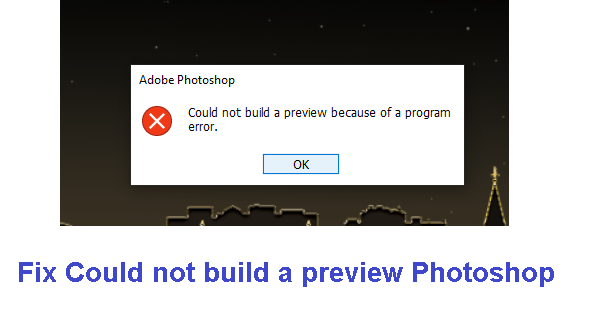
      Fix Could not build a preview Photoshop
      Fix Could not build a preview Photoshop

      Fix Could not build a preview Photoshop. In this article, Theartcult will show you how to fix “could not build a preview because of a...

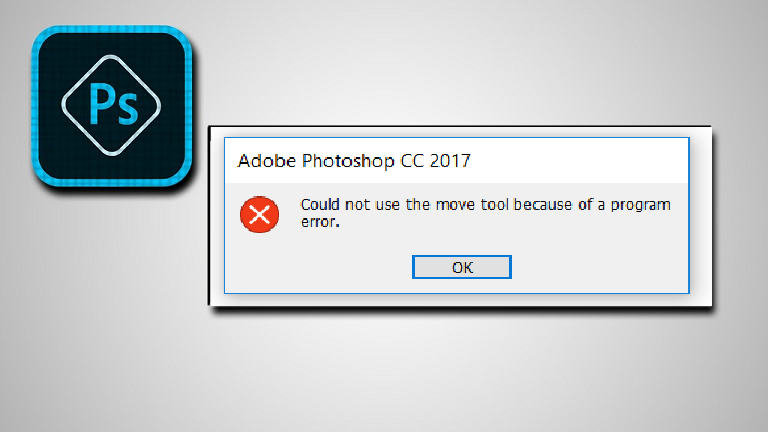
      Fix Could not use the move tool because of a program error
      Fix Could not use the move tool because of a program error

      Fix Could not use the move tool because of a program error. Question: “Suddenly while I was using photoshop the layers stuck and didn’t move...

      How to make a GIF in Photoshop 2022
      How to make a GIF in Photoshop 2022

      How to make a GIF in Photoshop 2022. To create an animated image (.gif) on Photoshop software is not easy, but it is not difficult....

      How to fix corrupted Photoshop file
      How to fix corrupted Photoshop file

      How to fix corrupted Photoshop file. Admittedly it doesn’t happen every day, but Photoshop files can get corrupted. It’s possible that your antivirus or firewall software...

      How to merge two photos in Photoshop CS6
      How to merge two photos in Photoshop CS6

      How to merge two photos in Photoshop CS6 is not as difficult as you think. With just a few simple steps, you have a beautiful...

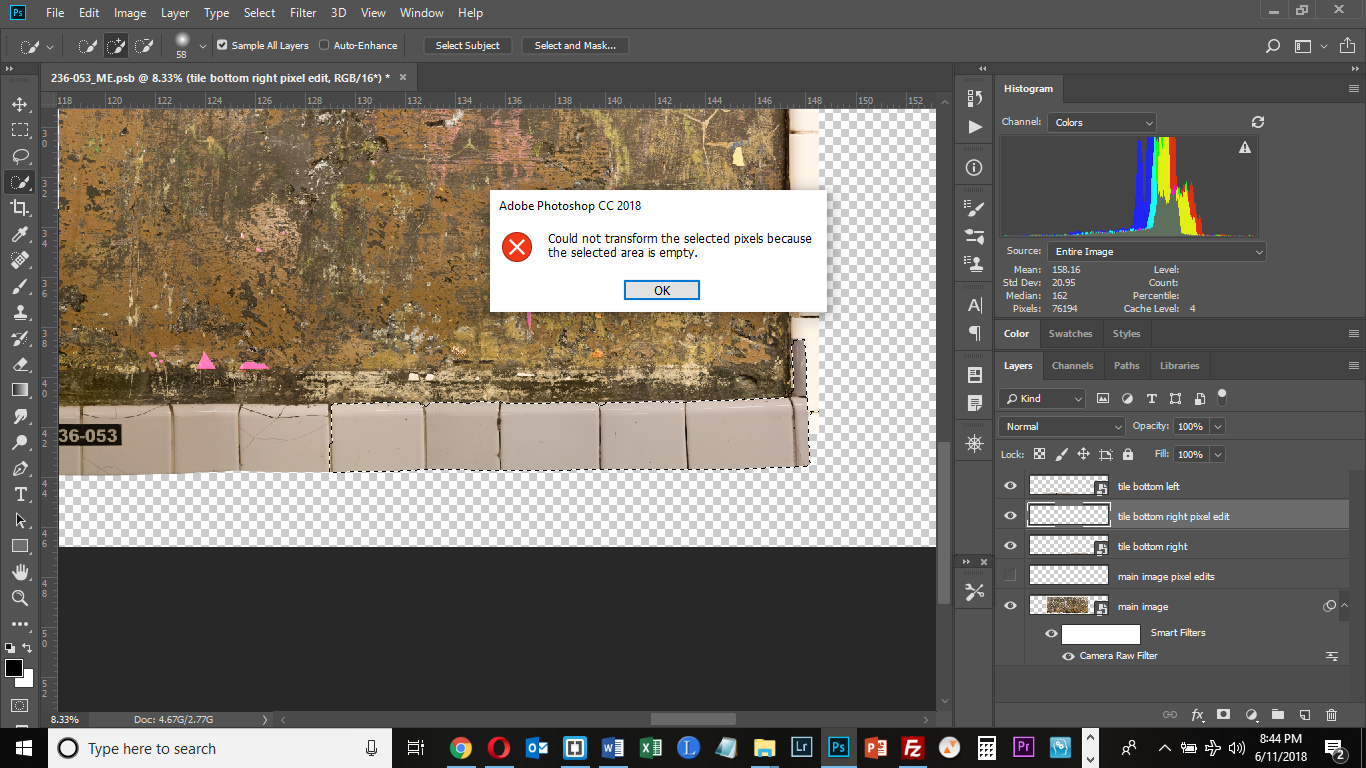
      Fix could not transform the selected pixels because the selected area is empty

      Fix could not transform the selected pixels because the selected area is empty . I get this message when trying to select Edit>Transform>Skew.  I am...

      How to make reflection in Photoshop
      How to make reflection in Photoshop

      How to make reflection in Photoshop. Similar to image rotation, image mirroring is also one of the most commonly used operations in Photoshop, but because...

      Photoshop sharpen blurry image
      Photoshop sharpen blurry image

      Photoshop sharpen blurry image. Adobe Photoshop is one of the most popular image editing software available today. The software provides users with rich photo editing...

      Layer mask not working Photoshop 2021

      Posted on January 22, 2022September 8, 2022 by SouthSide
      Layer mask not working Photoshop 2021
      22
      Jan

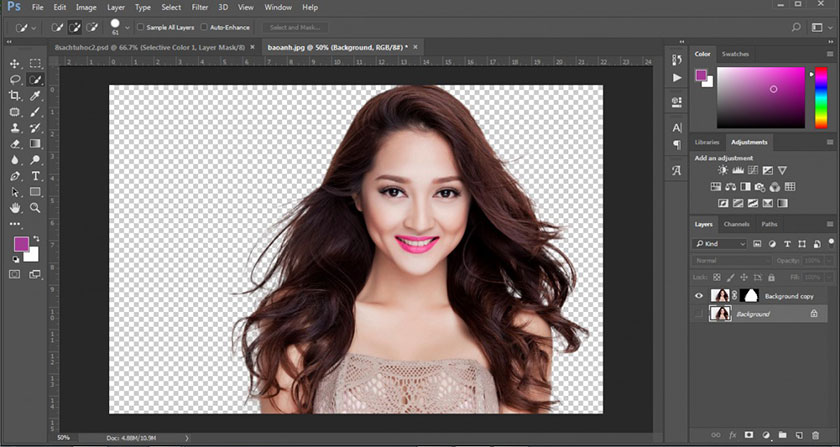
      Layer mask not working Photoshop 2021. Sometimes, you might encounter problems with layer masks. If you happen to run into any problems, then check out these simple fixes in this article. What is Layer Mask? Layer Mask can be understood simply as a layer mask for an image, the job of this layer mask is…

      Posted in Photoshop  |  Tagged Layer mask not working Photoshop 2021
      Recent Posts
      • Professional Printer Toner Refilling, Cartridge Replacement and Repair Services in Hanoi, Phu Tho and Thanh Hoa, Vietnam
      • Shipping Cargo from Hanoi to Saigon by Train: Complete Guide to North-South Rail Freight in Vietnam
      • Shipping a Motorcycle by Train from Hanoi to Saigon: Complete Guide
      • Ceiling Cassette vs. Wall-Mounted Air Conditioner: Which One Should You Choose?
      • Top 10 Best Cafes in Hanoi 2026
      Advertisement
      Cooking Guide
      • How to cook Famous Japanese Katsu Curry
      • How to make Vietnamese Silken Tofu in Ginger Syrup Dessert
      • How to make delicious chicken chow mein like the takeaway
      • How to make easy Chinese Char Siu Pork (Pan-Roasted)
      • How to make Filipino Mango Ice Cream

      Block "footer" not found

      • About me
      • The Best Art Culture Blogs for Digital Painting
      • Home
      • Arts
        • Photoshop
        • Online Art Gallery
      • Culture
        • Destinations
        • Costumes
        • Food
        • Travel
      • Exhibitions
      • Fashion
      • Humor & Cartoons
      • News
      • Technology
        • Adobe
        • Internet tips
        • Mac OS
        • Microsoft Office
        • Mobile
        • Windows