
Skip to content
ArtCultureArtCultureArtCulture
    • Home
    • Arts
      • Photoshop
      • Online Art Gallery
    • Culture
      • Destinations
      • Costumes
      • Food
      • Travel
    • Exhibitions
    • Fashion
    • Humor & Cartoons
    • News
    • Technology
      • Adobe
      • Internet tips
      • Mac OS
      • Microsoft Office
      • Mobile
      • Windows
      Create Photoshop brushes from absolutely anything
      Create Photoshop brushes from absolutely anything

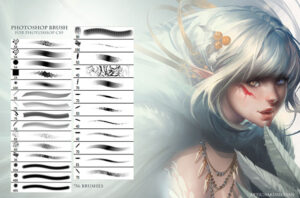
      Create Photoshop brushes from absolutely anything. Have you searched and downloaded many Photoshop brush sets, but it’s still not exactly what you want? Instead of accepting what’s...

      How to Use Quick Mask Mode in Photoshop
      How to Use Quick Mask Mode in Photoshop

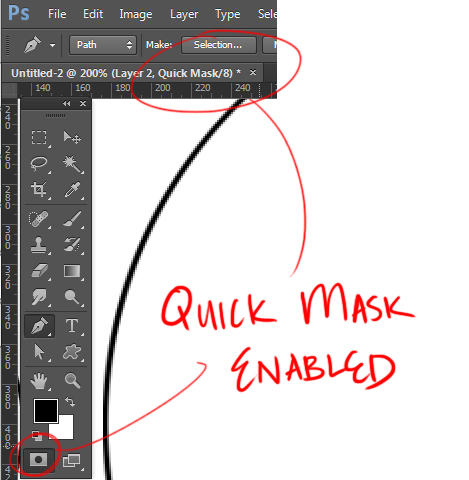
      How to Use Quick Mask Mode in Photoshop.  how to use quick mask in photoshop, how to remove quick mask in photoshop, photoshop quick mask...

      How to reset Photoshop CC to default settings
      How to reset Photoshop CC to default settings

      How to reset Photoshop CC to default settings. Reset Photoshop software aka restore default photoshop settings. How is this process done? In this article, TheArtCult...

      Chinese Armor and Art
      Chinese Armor and Art

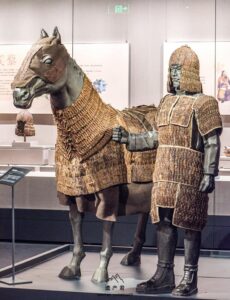
      Chinese Armor and Art. The discovery of wooden slips in Yinwan尹湾 Han (202-220) Tomb is the earliest record of the appearance of chinese horse armor——...

      Fix Could not use the Brush Tool because the pixels in a group cannot be edited
      Fix Could not use the Brush Tool because the pixels in a group cannot be edited

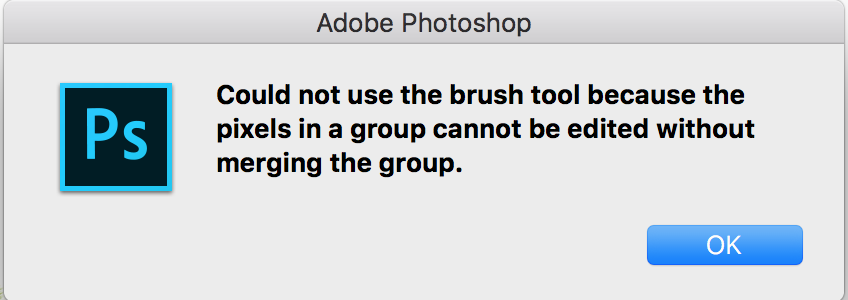
      Fix Could not use the Brush Tool because the pixels in a group cannot be edited. Question: “I keep getting the below message when trying...

      How to add texture to 3d objects in Photoshop
      How to add texture to 3d objects in Photoshop

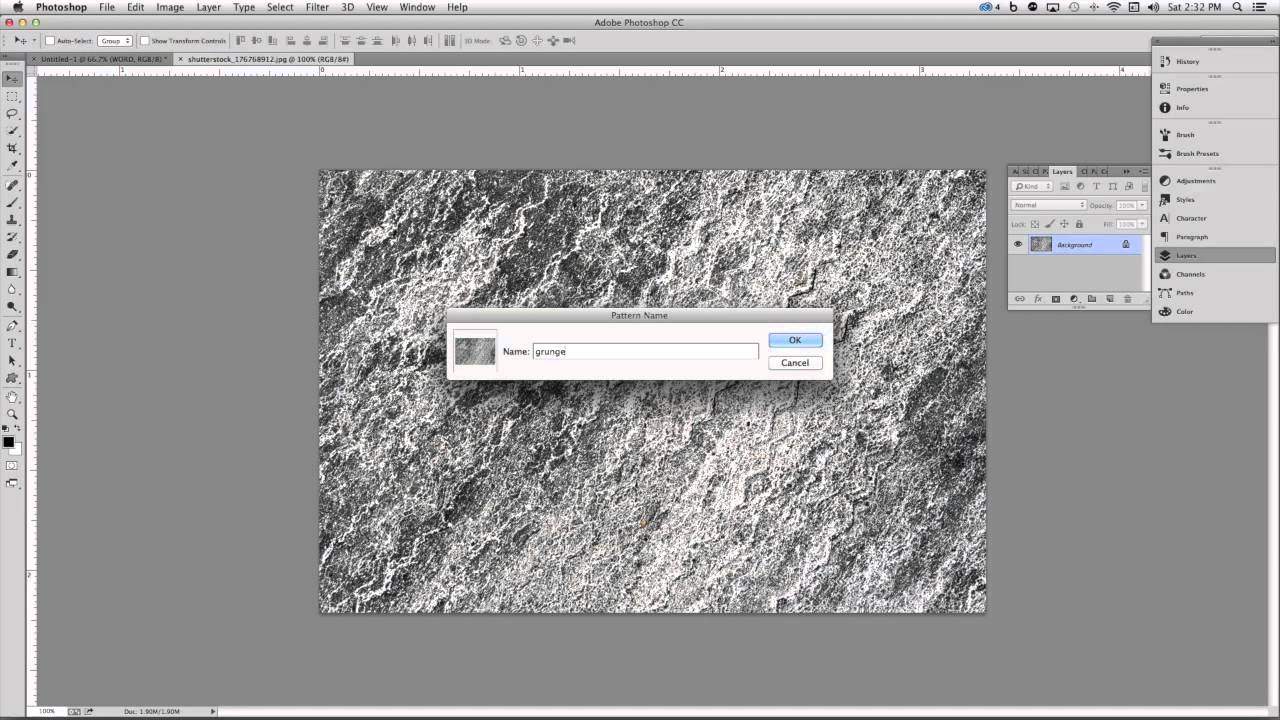
      How to add texture to 3d objects in Photoshop. You can use the Photoshop painting and adjustment tools to edit the textures contained in a...

      Photoshop tutorial: How to Paint Digital Portraits

      Photoshop tutorial: How to Paint Digital Portraits. One of the most important pieces of advice for painting a portrait is to draw what you see,...

      Best 10 photoshop cc brushes free download for digital painting photoshop brushes

      Best 10 photoshop cc brushes free download for digital painting photoshop brushes. High-quality free Photoshop brushes to save time. Digital artists across the world release their brush sets...

      How to see saved passwords on Mac

      Posted on June 18, 2022September 8, 2022 by SouthSide
      How to see saved passwords on Mac
      18
      Jun

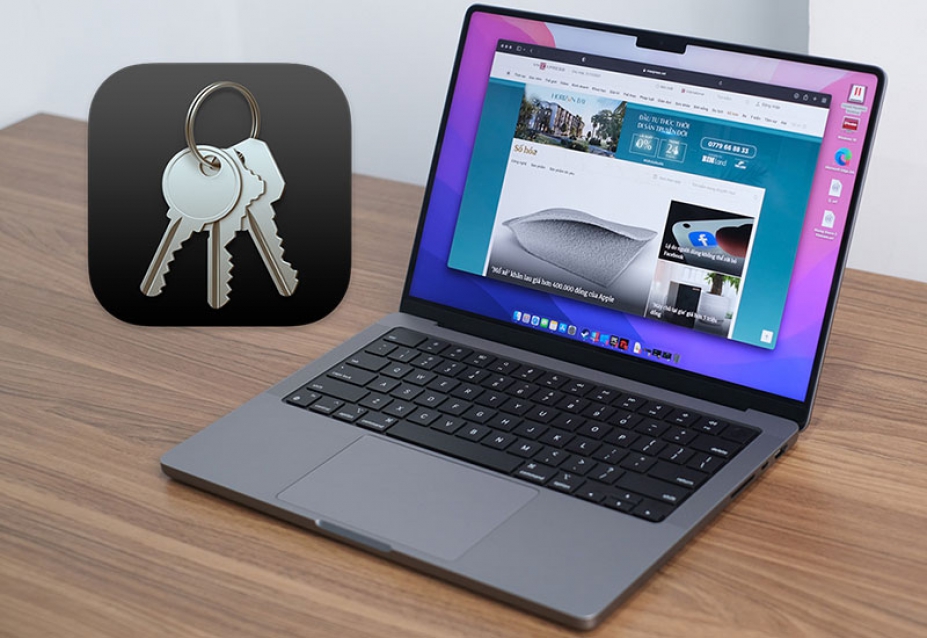
      How to see saved passwords on Mac? Saving passwords is helpful — especially if you often use very long, highly secure passwords for your accounts — but sometimes you forget them. If you find yourself in such a situation, follow the instructions below to view saved passwords on your Mac. How to see saved passwords…

      Posted in Computer, Mac OS  |  Tagged apple keychain, apple password manager, how do i see my passwords in keychain on iphone, how to find keychain on mac, how to see saved passwords on mac, how to use keychain on mac, what is my login keychain password
      Recent Posts
      • Shipping Cargo from Hanoi to Saigon by Train: Complete Guide to North-South Rail Freight in Vietnam
      • Shipping a Motorcycle by Train from Hanoi to Saigon: Complete Guide
      • Ceiling Cassette vs. Wall-Mounted Air Conditioner: Which One Should You Choose?
      • Top 10 Best Cafes in Hanoi 2026
      • Banh Mi in Hoi An must try by Vietnam Journeys Group
      Advertisement
      Cooking Guide
      • How to cook Famous Japanese Katsu Curry
      • How to make Vietnamese Silken Tofu in Ginger Syrup Dessert
      • How to make delicious chicken chow mein like the takeaway
      • How to make easy Chinese Char Siu Pork (Pan-Roasted)
      • How to make Filipino Mango Ice Cream

      Block "footer" not found

      • About me
      • The Best Art Culture Blogs for Digital Painting
      • Home
      • Arts
        • Photoshop
        • Online Art Gallery
      • Culture
        • Destinations
        • Costumes
        • Food
        • Travel
      • Exhibitions
      • Fashion
      • Humor & Cartoons
      • News
      • Technology
        • Adobe
        • Internet tips
        • Mac OS
        • Microsoft Office
        • Mobile
        • Windows