

Skip to content
ArtCultureArtCultureArtCulture
    • Home
    • Arts
      • Photoshop
      • Online Art Gallery
    • Culture
      • Destinations
      • Costumes
      • Food
      • Travel
    • Exhibitions
    • Fashion
    • Humor & Cartoons
    • News
    • Technology
      • Adobe
      • Internet tips
      • Mac OS
      • Microsoft Office
      • Mobile
      • Windows
      How to change colour picker back to the original on mac photoshop
      How to change colour picker back to the original on Mac Photoshop

      How to change colour picker back to the original on Mac Photoshop . If you already tried changing the colour picker and installing older versions...

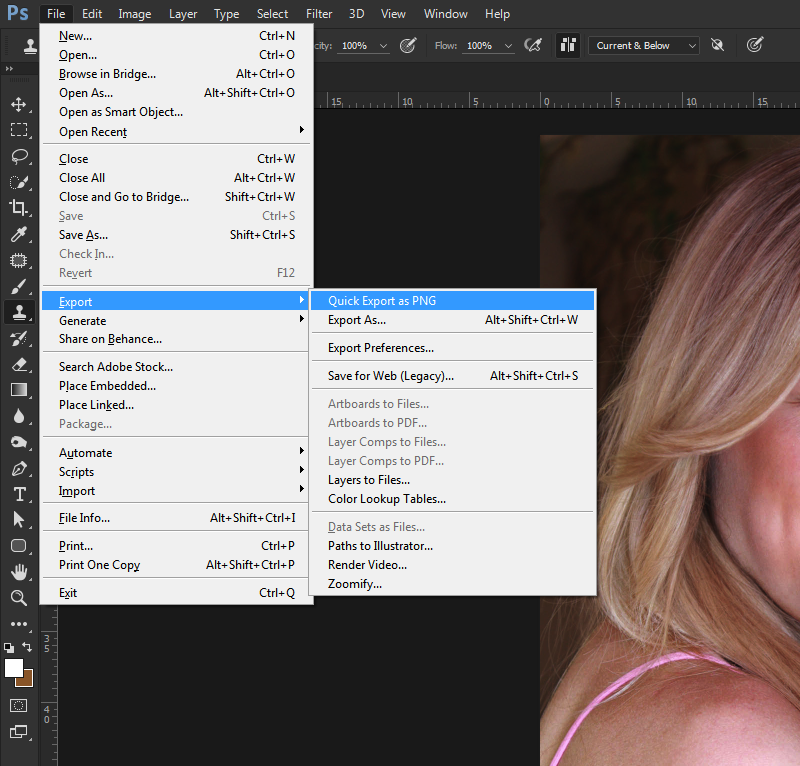
      How to fix Cannot Quick Export as PNG in Photoshop CC

      How to fix Cannot Quick Export as PNG in Photoshop CC i have tried everything such as restarting my PC turning it off and everything? ...

      Photoshop 2022 liquify not working
      Fix Photoshop 2022 liquify not working

      Fix Photoshop 2022 liquify not working could not complete the liquify command because of a disk error . Liquify in Photoshop is a useful, but...

      Convert lrtemplate to xmp without Lightroom

      Convert lrtemplate to xmp without Lightroom. Here is the best methods of changing the lrtemplate to xmp extension without Lightroom. You can’t import the old...

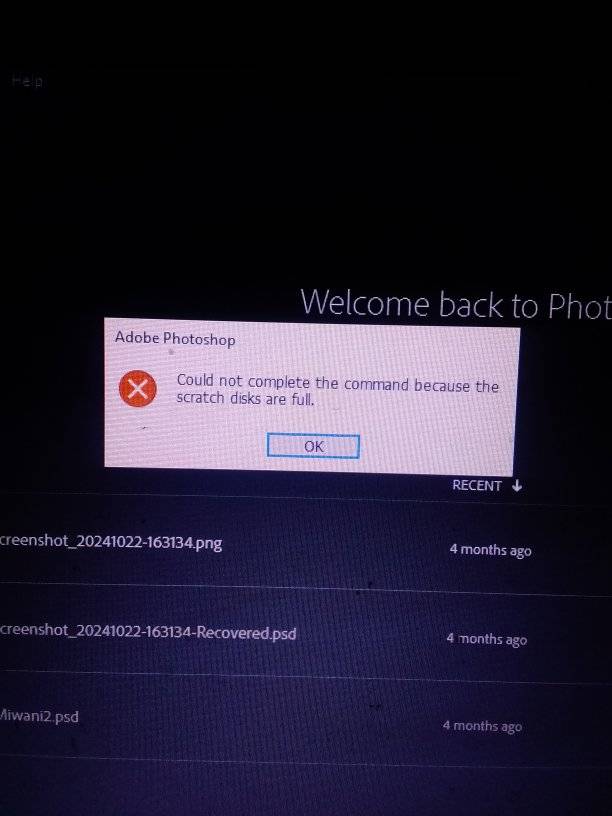
      Fix could not complete your request because the scratch disks are full

      Fix could not complete your request because the scratch disks are full -my Photoshop writes this everytime I want to create new file, what might...

      Photoshop error d3dcompiler_47.dll fix
      Photoshop error d3dcompiler_47.dll fix

      Photoshop error d3dcompiler_47.dll fix. Let’s learn how to resolve the Photoshop.exe system error at launch – The program can’t start because D3DCOMPILER_47.dll is missing from...

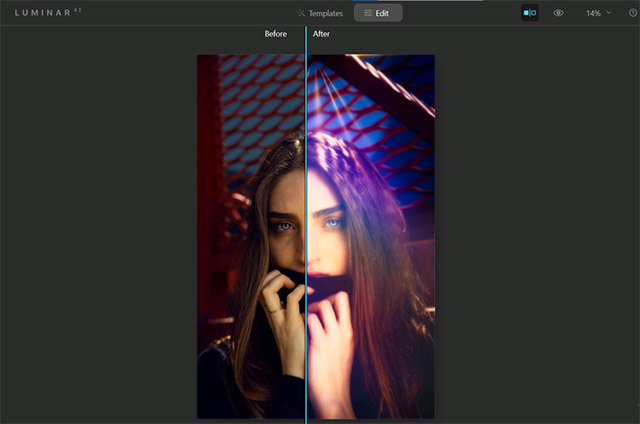
      How to use Luminar AI with Photoshop for better portraits

      How to use Luminar AI with Photoshop for better portraits What is Luminar AI? Luminar AI is a set of editing tools designed to help...

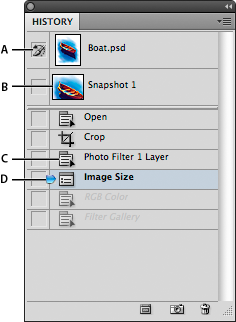
      This panel lets you undo several steps created in a project

      This panel lets you undo several steps created in a project, in which tab can you access the preferences pop up window, what is the...

      When to use Local account? Local Account vs. Microsoft Account?

      Posted on May 16, 2022September 8, 2022 by SouthSide
      When to use Local account? Local Account vs. Microsoft Account?
      16
      May

      When to use Local account? Local Account vs. Microsoft Account? Which should I use – Local account or Microsoft account? Which one is better? In this article, Theartcult will describe about this in detail so you can make an informed decision. What is local account windows 10? Windows users have been using  Local Accounts to sign in for…

      Posted in Windows  |  Tagged Create new user Windows 10, Delete user account Windows 10, Enable Administrator account Windows 10, How to remove Microsoft account from Windows 10, Local Account vs. Microsoft Account?, Remove account Windows 10, Set administrator account Windows 10, What is local account windows 10, When to use Local account?
      Recent Posts
      • Shipping Cargo from Hanoi to Saigon by Train: Complete Guide to North-South Rail Freight in Vietnam
      • Shipping a Motorcycle by Train from Hanoi to Saigon: Complete Guide
      • Ceiling Cassette vs. Wall-Mounted Air Conditioner: Which One Should You Choose?
      • Top 10 Best Cafes in Hanoi 2026
      • Banh Mi in Hoi An must try by Vietnam Journeys Group
      Advertisement
      Cooking Guide
      • How to cook Famous Japanese Katsu Curry
      • How to make Vietnamese Silken Tofu in Ginger Syrup Dessert
      • How to make delicious chicken chow mein like the takeaway
      • How to make easy Chinese Char Siu Pork (Pan-Roasted)
      • How to make Filipino Mango Ice Cream

      Block "footer" not found

      • About me
      • The Best Art Culture Blogs for Digital Painting
      • Home
      • Arts
        • Photoshop
        • Online Art Gallery
      • Culture
        • Destinations
        • Costumes
        • Food
        • Travel
      • Exhibitions
      • Fashion
      • Humor & Cartoons
      • News
      • Technology
        • Adobe
        • Internet tips
        • Mac OS
        • Microsoft Office
        • Mobile
        • Windows