

Skip to content
ArtCultureArtCultureArtCulture
    • Home
    • Arts
      • Photoshop
      • Online Art Gallery
    • Culture
      • Destinations
      • Costumes
      • Food
      • Travel
    • Exhibitions
    • Fashion
    • Humor & Cartoons
    • News
    • Technology
      • Adobe
      • Internet tips
      • Mac OS
      • Microsoft Office
      • Mobile
      • Windows
      Could not initialize Photoshop because unexpected end of file was encountered
      Could not initialize Photoshop because unexpected end of file was encountered

      Could not initialize Photoshop because unexpected end of file was encountered. If you have encountered this issue, you can do the following trick in order...

      Convert lrtemplate to xmp without Lightroom

      Convert lrtemplate to xmp without Lightroom. Here is the best methods of changing the lrtemplate to xmp extension without Lightroom. You can’t import the old...

      Fix Photoshop 2022 crashing Mac
      Fix Photoshop 2022 crashing Mac

      Fix Photoshop 2022 crashing Mac. Photoshop is considered to be the most professional graphic design software in the world. However, sometimes those outstanding features cause...

      How to undo multiple times in Photoshop
      How to undo multiple times in Photoshop: A Simple Tutorial for Beginners!

      how to undo multiple times in photoshop cs6 , How to undo multiple times in Photoshop: A Simple Tutorial for Beginners. By default, undo will...

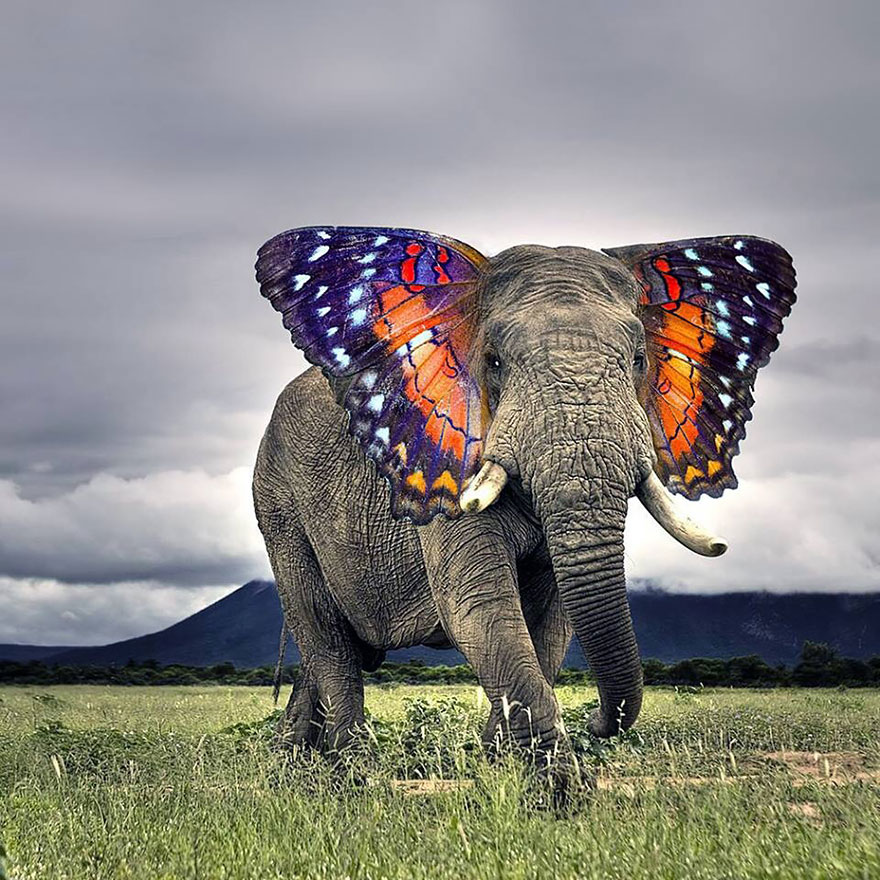
      How to blend two animals in Photoshop
      How to blend two animals in Photoshop

      How to blend two animals in Photoshop. For those who are new to Photoshop, mastering the skill of cutting and combining images is very important because...

      How to change Screen Mode Photoshop
      How to change Screen Mode Photoshop

      How to change Screen Mode Photoshop. Today we are going to learn about Photoshop Screen Modes, as well as how to change Screen Mode in Photoshop. Now let’s...

      How to change colour picker back to the original on mac photoshop
      How to change colour picker back to the original on Mac Photoshop

      How to change colour picker back to the original on Mac Photoshop . If you already tried changing the colour picker and installing older versions...

      Keyboard shortcuts in Photoshop CS6 you should know

      Shortcuts are often pre-set, tasked with performing functions in graphic design software. For professional photo editors, they rarely use the mouse but use keyboard shortcuts,...

      Hanoi Best Budget Travel Guide 2021 (Part 1)

      Posted on January 12, 2021March 6, 2021 by SouthSide
      Hanoi Best Budget Travel Guide 2021
      12
      Jan

      Hanoi Best Budget Travel Guide 2021 (Part 1) Hanoi Best Budget Travel Guide 2021 (Part 1). What does Hanoi have that makes many people fall in love with this city? In this article, we will provide you with the detailed guide below so that you can find the answers for yourself! I. The right time…

      Posted in News  |  Tagged experience, hanoi, low budget, north vietnam, tips, travel
      Recent Posts
      • Professional Printer Toner Refilling, Cartridge Replacement and Repair Services in Hanoi, Phu Tho and Thanh Hoa, Vietnam
      • Shipping Cargo from Hanoi to Saigon by Train: Complete Guide to North-South Rail Freight in Vietnam
      • Shipping a Motorcycle by Train from Hanoi to Saigon: Complete Guide
      • Ceiling Cassette vs. Wall-Mounted Air Conditioner: Which One Should You Choose?
      • Top 10 Best Cafes in Hanoi 2026
      Advertisement
      Cooking Guide
      • How to cook Famous Japanese Katsu Curry
      • How to make Vietnamese Silken Tofu in Ginger Syrup Dessert
      • How to make delicious chicken chow mein like the takeaway
      • How to make easy Chinese Char Siu Pork (Pan-Roasted)
      • How to make Filipino Mango Ice Cream

      Block "footer" not found

      • About me
      • The Best Art Culture Blogs for Digital Painting
      • Home
      • Arts
        • Photoshop
        • Online Art Gallery
      • Culture
        • Destinations
        • Costumes
        • Food
        • Travel
      • Exhibitions
      • Fashion
      • Humor & Cartoons
      • News
      • Technology
        • Adobe
        • Internet tips
        • Mac OS
        • Microsoft Office
        • Mobile
        • Windows