



Skip to content
ArtCultureArtCultureArtCulture
    • Home
    • Arts
      • Photoshop
      • Online Art Gallery
    • Culture
      • Destinations
      • Costumes
      • Food
      • Travel
    • Exhibitions
    • Fashion
    • Humor & Cartoons
    • News
    • Technology
      • Adobe
      • Internet tips
      • Mac OS
      • Microsoft Office
      • Mobile
      • Windows
      Photoshop sharpen blurry image
      Photoshop sharpen blurry image

      Photoshop sharpen blurry image. Adobe Photoshop is one of the most popular image editing software available today. The software provides users with rich photo editing...

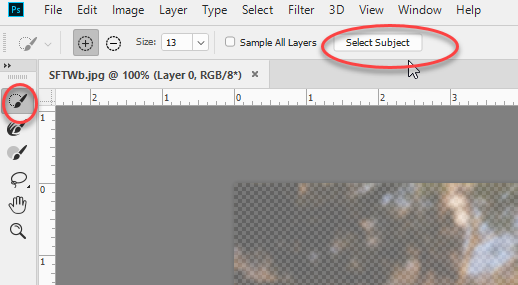
      How to fix Select subject Photoshop not showing
      How to fix Select subject Photoshop not showing

      How to fix Select subject Photoshop not showing. In this article, theartcult will introduce you briefly Select Subject and how to fix Select subject Photoshop...

      How to create Smoke effect in Photoshop
      How to create Smoke effect in Photoshop

      How to create Smoke effect in Photoshop. There are quite a few Smoke Brushes in the Brush store for you to download and use. However,...

      How to smooth edges in Photoshop 2022
      How to smooth edges in Photoshop 2022

      How to smooth edges in Photoshop 2022. You feel very uncomfortable when there is an aliasing error in Photoshop, which also causes a very high...

      Change smart quotes to straight quotes photoshop
      Fix Photoshop Cannot Change smart quotes to straight quotes error

      Fix Photoshop Cannot Change smart quotes to straight quotes error. For various reasons, you want to use Straight Quotes mode more than Smart Quotes, but can’t control this...

      The Art Culture Blog
      My Digital Painting Practice – 12 Digital Painting Exercises

      My Digital Painting Practice – 12 Digital Painting Exercises. Digital painting is increasing in popularity now that so many great tools are becoming available for...

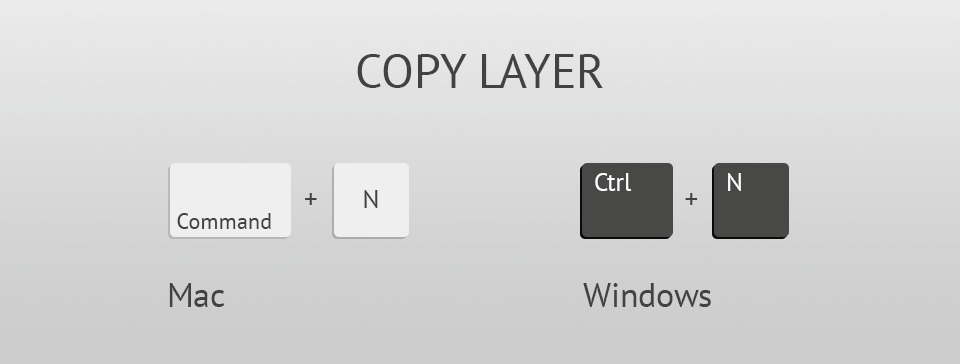
      Photoshop keyboard shortcuts not working
      Photoshop keyboard shortcuts not working

      Photoshop keyboard shortcuts not working. If your keyboard shortcuts don’t work in Photoshop, try one or more of the following solutions. Solution 1: Restore Photoshop...

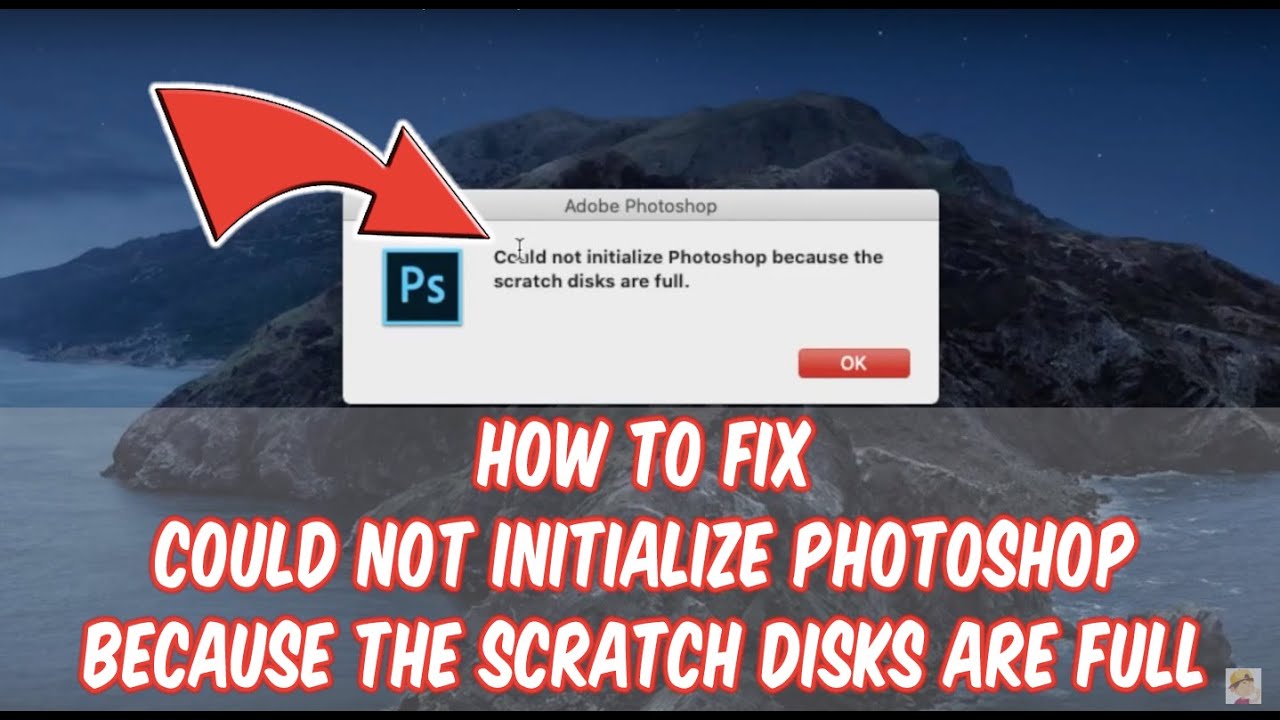
      Fix Could not initialize Photoshop because the scratch disks are full macOS
      Fix Could not initialize Photoshop because the scratch disks are full macOS

      Fix Could not initialize Photoshop because the scratch disks are full macOS. The “scratch disk is full” error in Photoshop usually occurs when your computer has...

      My First Experience with Romance Scam

      Posted on February 14, 2021March 6, 2021 by SouthSide
      My First Experience with Romance Scam
      14
      Feb

      My First Experience with Romance Scam. Summary: I have recently known a guy from a dating app. He texted me and called me everyday. We made a short video call once. He said he works in a Petro company in the US and he’s now on his business trip in Turkey. He has just called me…

      Posted in News  |  Tagged My First Experience with Romance Scam
      Recent Posts
      • Professional Printer Toner Refilling, Cartridge Replacement and Repair Services in Hanoi, Phu Tho and Thanh Hoa, Vietnam
      • Shipping Cargo from Hanoi to Saigon by Train: Complete Guide to North-South Rail Freight in Vietnam
      • Shipping a Motorcycle by Train from Hanoi to Saigon: Complete Guide
      • Ceiling Cassette vs. Wall-Mounted Air Conditioner: Which One Should You Choose?
      • Top 10 Best Cafes in Hanoi 2026
      Advertisement
      Cooking Guide
      • How to cook Famous Japanese Katsu Curry
      • How to make Vietnamese Silken Tofu in Ginger Syrup Dessert
      • How to make delicious chicken chow mein like the takeaway
      • How to make easy Chinese Char Siu Pork (Pan-Roasted)
      • How to make Filipino Mango Ice Cream

      Block "footer" not found

      • About me
      • The Best Art Culture Blogs for Digital Painting
      • Home
      • Arts
        • Photoshop
        • Online Art Gallery
      • Culture
        • Destinations
        • Costumes
        • Food
        • Travel
      • Exhibitions
      • Fashion
      • Humor & Cartoons
      • News
      • Technology
        • Adobe
        • Internet tips
        • Mac OS
        • Microsoft Office
        • Mobile
        • Windows