


Skip to content
ArtCultureArtCultureArtCulture
    • Home
    • Arts
      • Photoshop
      • Online Art Gallery
    • Culture
      • Destinations
      • Costumes
      • Food
      • Travel
    • Exhibitions
    • Fashion
    • Humor & Cartoons
    • News
    • Technology
      • Adobe
      • Internet tips
      • Mac OS
      • Microsoft Office
      • Mobile
      • Windows
      How to use Radial Blur Photoshop
      How to use Radial Blur Photoshop

      How to use Radial Blur Photoshop. Photoshop has many different blur filters available for you to do interesting effects. In particular, Radial Blur is a...

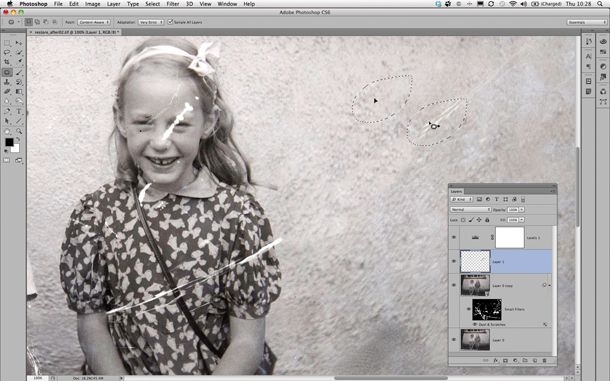
      How to fix a torn photo in Photoshop

      How to fix a torn photo in Photoshop. Photoshop repair corrupted JPEG. In the following article, Theartcult.net would like to share an old photo that needs...

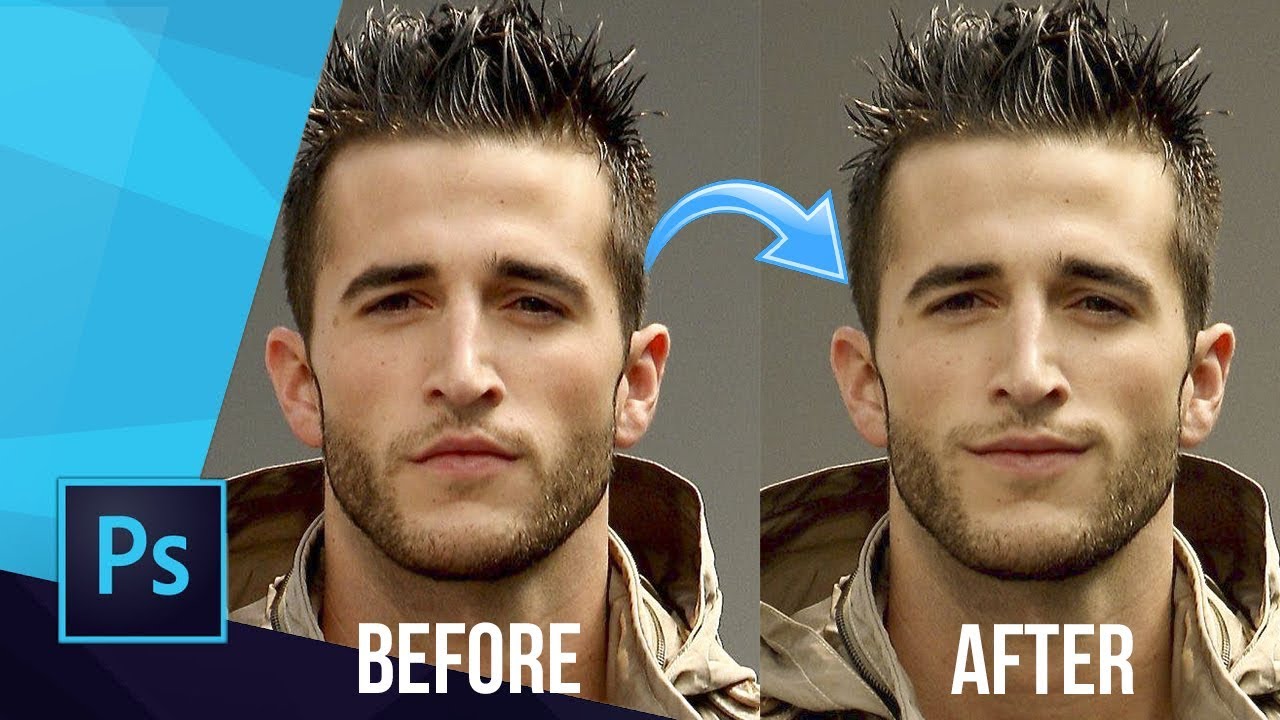
      How to edit smile in Photoshop (4 ways)
      How to edit smile in Photoshop (4 ways)

      How to edit smile in Photoshop (4 ways). Do you have the perfect photo of someone, but you just wish they were smiling instead of...

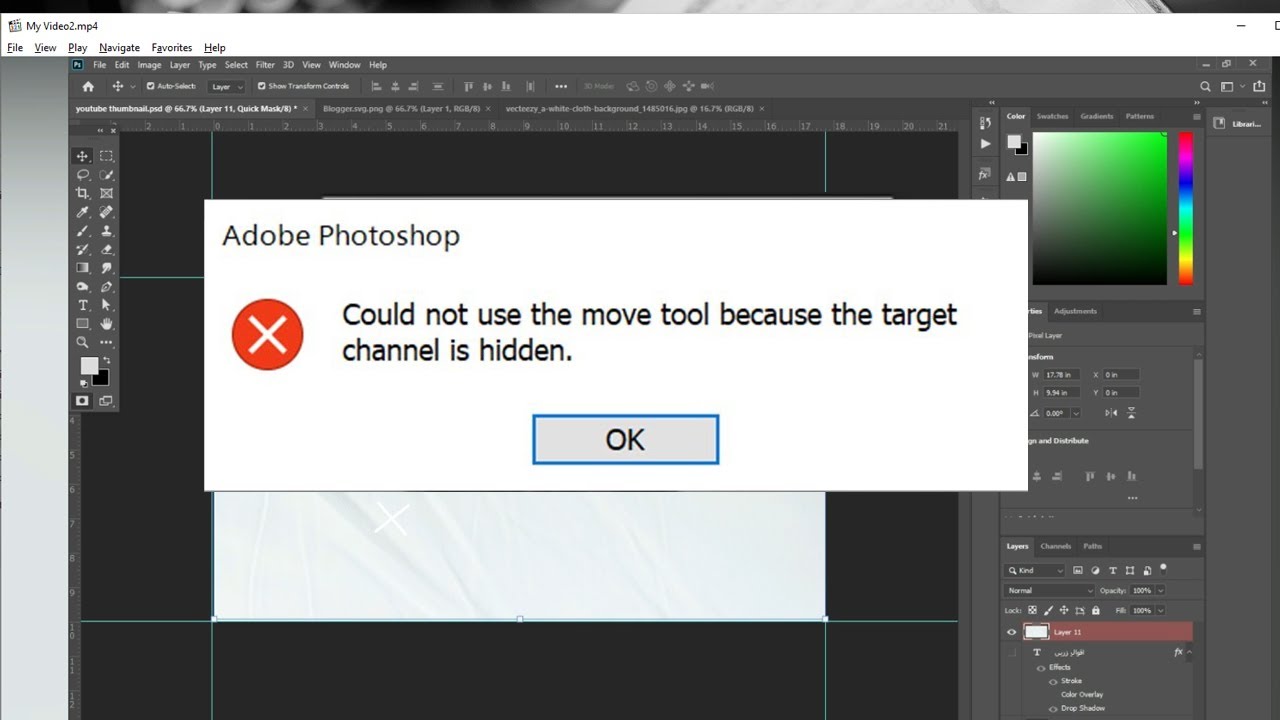
      Target channel is hidden fix
      Target channel is hidden fix

      Target channel is hidden fix. How to fix “Could not use move tool because the target channels is hidden”. Question: “In Photoshop CC, I am...

      Layer mask not working Photoshop 2021
      Layer mask not working Photoshop 2021

      Layer mask not working Photoshop 2021. Sometimes, you might encounter problems with layer masks. If you happen to run into any problems, then check out...

      Fix Can't close Photoshop due to program error
      Fix Can’t close Photoshop due to program error

      Fix Can’t close Photoshop due to program error. We all know how frustrating it can be when a computer freezes, and one of the most frustrating...

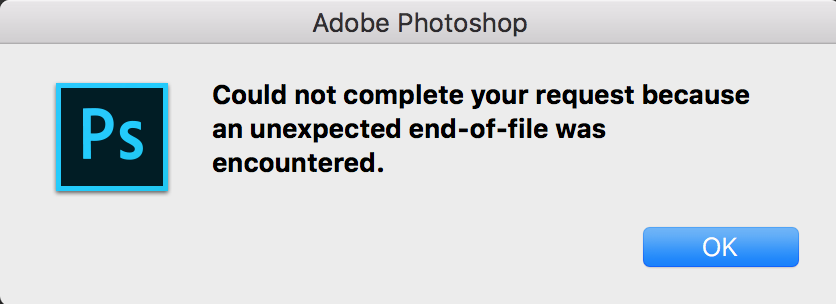
      Photoshop Could not complete your request because an unexpected end of file was encountered
      Photoshop Could not complete your request because an unexpected end of file was encountered

      Photoshop Could not complete your request because an unexpected end of file was encountered. Question: “Using Mac 10.7.4 and CS5 Extended on an Imac 27....

      How to fix Select subject Photoshop not showing
      How to fix Select subject Photoshop not showing

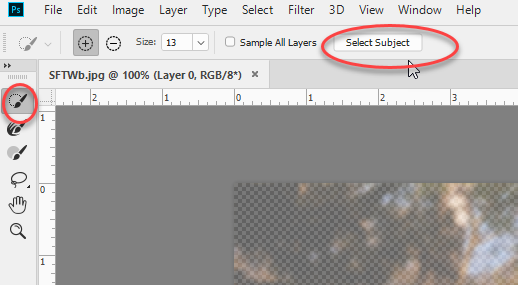
      How to fix Select subject Photoshop not showing. In this article, theartcult will introduce you briefly Select Subject and how to fix Select subject Photoshop...

      How to fix: Drag and drop Photoshop not working

      Posted on January 19, 2022September 8, 2022 by SouthSide
      How to fix: Drag and drop Photoshop not working
      19
      Jan

      How to fix: Drag and drop Photoshop not working. In this article, we will share with you how to fix the error of not being able to drag and drop images into Photoshop. Hope it helps those who are in this situation. How to drag and drop in Photoshop Click inside the window of the…

      Posted in Photoshop  |  Tagged How to fix: Drag and drop Photoshop not working
      Recent Posts
      • Shipping Cargo from Hanoi to Saigon by Train: Complete Guide to North-South Rail Freight in Vietnam
      • Shipping a Motorcycle by Train from Hanoi to Saigon: Complete Guide
      • Ceiling Cassette vs. Wall-Mounted Air Conditioner: Which One Should You Choose?
      • Top 10 Best Cafes in Hanoi 2026
      • Banh Mi in Hoi An must try by Vietnam Journeys Group
      Advertisement
      Cooking Guide
      • How to cook Famous Japanese Katsu Curry
      • How to make Vietnamese Silken Tofu in Ginger Syrup Dessert
      • How to make delicious chicken chow mein like the takeaway
      • How to make easy Chinese Char Siu Pork (Pan-Roasted)
      • How to make Filipino Mango Ice Cream

      Block "footer" not found

      • About me
      • The Best Art Culture Blogs for Digital Painting
      • Home
      • Arts
        • Photoshop
        • Online Art Gallery
      • Culture
        • Destinations
        • Costumes
        • Food
        • Travel
      • Exhibitions
      • Fashion
      • Humor & Cartoons
      • News
      • Technology
        • Adobe
        • Internet tips
        • Mac OS
        • Microsoft Office
        • Mobile
        • Windows